
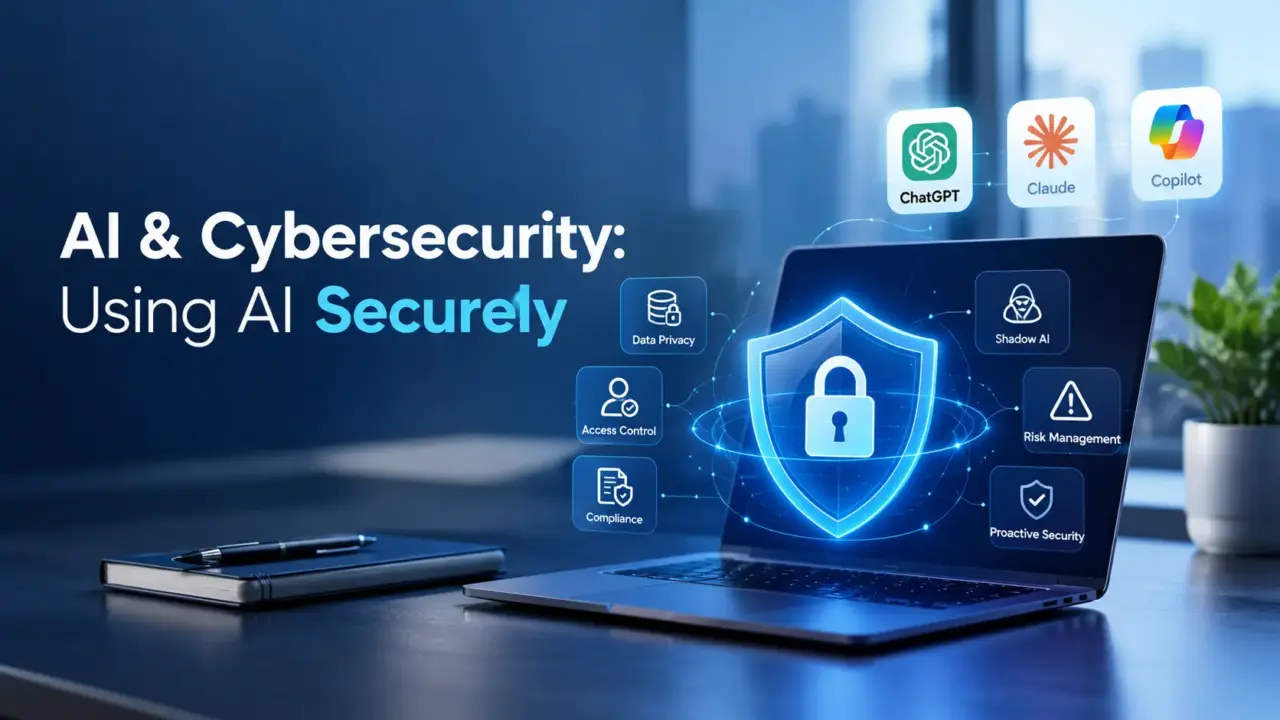
AI has moved from being an emerging technology to becoming part of everyday work.
Developers use AI coding assistants to generate and review code. Business teams use AI to summarize documents, analyze information, prepare presentations, and automate repetitive tasks. Security teams use AI to analyze logs and identify potential threats. Organizations are also adopting enterprise AI platforms to work with internal knowledge and business processes.
Tools such as ChatGPT, Claude, Microsoft Copilot, IBM watsonx, AI coding assistants, and AI-powered automation platforms can significantly improve productivity.
But there is another side to this transformation.
The same AI tool that can help an employee complete a task in minutes can also become a source of data leakage, insecure code, unauthorized access, or other security risks if it is used without appropriate controls.
The question for organizations is therefore not whether they should use AI. The more important question is:
How can we use AI to improve productivity without creating new cybersecurity and privacy risks?
The answer requires a combination of secure technology, appropriate governance, employee awareness, and human oversight.
- The Rise of AI in the Workplace
AI is increasingly being incorporated into everyday business activities.
A developer may ask an AI assistant to explain an error or generate a function. A business analyst may use AI to summarize requirements. A consultant may use AI to draft documentation. A security analyst may ask AI to analyze suspicious log activity.
Common workplace use cases include:
- Software development: Code generation, debugging, code explanation, testing, and documentation.
- Data analysis: Identifying patterns, summarizing information, and generating analytical insights.
- Documentation: Creating technical documents, meeting summaries, procedures, and reports.
- Research: Summarizing publicly available information and comparing technical concepts.
- Automation: Creating workflows, scripts, and process automation.
- Cybersecurity: Log analysis, threat research, vulnerability analysis, and security awareness.
- Decision support: Generating recommendations and identifying potential issues.
This productivity benefit is one of the major reasons organizations are adopting AI.
However, introducing AI into business processes also introduces new questions:
What data is being sent to the AI? Who can access the AI? Where is the data processed? How is the information retained? What permissions does an AI integration have? Can the AI-generated output be trusted?
Without clear answers, AI adoption can create security gaps.
Secure AI usage therefore needs to become part of an organization’s broader cybersecurity and data-governance strategy.
- Why AI Security Matters
AI security is not only about protecting the AI model itself. It also involves protecting the information, systems, applications, and people interacting with AI.
Several risks deserve particular attention.
Sensitive Data Leakage
Employees may unintentionally submit confidential information to an AI tool.
For example, someone might paste:
- Customer information
- Employee records
- Financial information
- Internal reports
- Security configurations
- Confidential contracts
- Proprietary business information
- Source code
The employee may only intend to ask the AI to summarize or improve the content. However, using an AI platform that has not been approved by the organization can create an unauthorized data-sharing risk.
Credential and Secret Exposure
Developers and administrators sometimes work with:
- Passwords
- API keys
- Access tokens
- Private certificates
- Database credentials
- Cloud configuration
- Connection strings
Including these details in an AI prompt—even accidentally—can expose sensitive security information.
A simple rule should always apply: never provide passwords, API keys, access tokens, or other secrets to an AI assistant.
Source-Code and Intellectual Property Exposure
Source code is often one of an organization’s most valuable assets.
Using an AI coding assistant can be highly productive, but developers need to understand what information is being submitted and what controls the organization has established around the tool.
AI-Generated Vulnerable Code
AI can generate functional code that is not necessarily secure code.
For example, generated code might contain:
- SQL injection vulnerabilities
- Improper input validation
- Weak authentication
- Insecure authorization
- Hard-coded secrets
- Unsafe file handling
- Insecure dependencies
AI-generated code should therefore be treated like code written by any other developer: it must go through appropriate review and security testing.
Prompt Injection
AI applications can be manipulated through malicious instructions contained in user input, documents, web pages, emails, or other data sources.
A malicious instruction might attempt to make an AI system ignore its intended instructions, reveal information, or perform an unauthorized action.
This becomes particularly important when AI is connected to enterprise applications or automation workflows.
Data Poisoning and Manipulation
AI systems that depend on external or continuously updated data can potentially be influenced by inaccurate or malicious information.
If manipulated information enters an AI system’s knowledge or data pipeline, the resulting output may also be affected.
Over-Reliance on AI
AI can produce confident but incorrect answers.
If employees blindly accept AI-generated recommendations, an inaccurate output could lead to:
- Incorrect technical decisions
- Poor security configurations
- Incorrect business analysis
- Faulty code
- Inappropriate risk assessments
AI should support human decision-making—not eliminate the need for it.
Third-Party AI Integrations
AI applications frequently connect to plugins, APIs, extensions, cloud services, repositories, databases, and business applications.
Every integration introduces another potential attack surface.
An organization should therefore evaluate not only the AI model but also what the AI can access and what actions it is allowed to perform.
- Common Cybersecurity Attack Scenarios When Using AI
Understanding realistic scenarios makes AI security easier to apply.
Scenario 1 – Sensitive Data Leakage
What happens?
An employee receives a confidential business report and wants a quick summary.
They copy the entire document into an unauthorized public AI tool.
What is the security risk?
The employee has potentially transferred confidential organizational information to a platform that has not been approved for that type of data.
Potential impact
The organization could face:
- Confidentiality concerns
- Privacy issues
- Intellectual property exposure
- Regulatory or contractual consequences
- Reputational damage
How can it be prevented?
Organizations should:
- Define approved AI tools.
- Establish data-classification rules.
- Prohibit confidential information from being entered into unauthorized tools.
- Provide employees with secure enterprise AI alternatives.
- Train employees on what information can and cannot be submitted.
Scenario 2 – Malicious Prompt Injection
What happens?
An AI application reads information from documents or websites. An attacker inserts malicious instructions into one of those sources.
The AI processes the malicious instructions as part of its input.
What is the security risk?
The attacker may attempt to manipulate the AI into:
- Ignoring its intended instructions
- Revealing information
- Producing unintended output
- Triggering unauthorized actions
Potential impact
If the AI is connected to business systems, a successful attack could have greater consequences than simply generating incorrect text.
How can it be prevented?
Organizations should:
- Treat external content as untrusted input.
- Apply strict access controls.
- Limit AI permissions.
- Separate instructions from untrusted data where possible.
- Validate AI actions before execution.
- Monitor AI interactions and unusual behavior.
Scenario 3 – AI-Generated Vulnerable Code
What happens?
A developer asks an AI coding assistant to create a database function.
The code works during testing, but it does not properly validate user input.
What is the security risk?
The application may contain a vulnerability such as SQL injection or another form of insecure input handling.
Potential impact
If deployed into production, the vulnerability could expose application data or allow unauthorized activity.
How can it be prevented?
Use AI as a development assistant—not as an automatic approval mechanism.
Developers should:
- Review generated code.
- Follow secure coding standards.
- Run static application security testing.
- Perform dependency and vulnerability scanning.
- Conduct appropriate security testing.
- Never commit exposed secrets.
- Require human review before production deployment.
Scenario 4 – Fake or Manipulated AI Output
What happens?
An employee asks AI whether a particular configuration is secure.
The AI provides a confident recommendation that is incorrect.
The employee implements it without additional verification.
What is the security risk?
The organization is making a security decision based on unverified information.
Potential impact
This could result in:
- Misconfiguration
- Security gaps
- Incorrect risk assessments
- Operational problems
How can it be prevented?
For important decisions:
AI output should be treated as a recommendation, not an authoritative source.
Validate critical information against trusted documentation, security standards, testing, and qualified human review.
Scenario 5 – Malicious AI Tool or Plugin
What happens?
An employee installs an AI browser extension or connects an AI plugin to corporate applications because it promises increased productivity.
The tool requests broad access to files, email, repositories, or other systems.
What is the security risk?
The organization may have introduced an untrusted third-party component with excessive privileges.
Potential impact
Potential consequences include unauthorized data access, credential exposure, or compromise of connected systems.
How can it be prevented?
Organizations should:
- Approve AI tools through security governance.
- Review third-party vendors.
- Apply least privilege.
- Limit API permissions.
- Review integrations periodically.
- Monitor connected applications.
- Remove unused integrations.
- Security Strategies for Safe AI Usage
Safe AI adoption does not mean preventing employees from using AI. It means establishing controls that allow AI to be used responsibly.
- Use Enterprise-Approved AI Tools
Organizations should maintain a list of approved AI platforms and define which types of information may be used with each platform.
- Apply Data Classification
Before entering information into an AI tool, ask:
What type of data is this?
For example:
- Public
- Internal
- Confidential
- Highly confidential/restricted
The more sensitive the information, the stronger the controls should be.
- Never Share Secrets
Never enter:
- Passwords
- API keys
- Authentication tokens
- Private keys
- Database credentials
- Production secrets
into an AI prompt.
If a secret has accidentally been exposed, it should be treated as compromised and handled according to the organization’s incident-response process.
- Apply Least Privilege
If an AI system only needs access to one application or dataset, it should not receive access to the entire environment.
Limit:
- Data access
- API permissions
- File access
- Application privileges
- Automation capabilities
- Review AI-Generated Code
AI-generated code should pass through the same development lifecycle as manually written code.
Use:
- Peer review
- Static analysis
- Dependency scanning
- Vulnerability testing
- Security testing
- CI/CD security controls
- Verify AI-Generated Information
For high-impact decisions, validate AI output using trusted sources.
This is particularly important for:
- Cybersecurity decisions
- Legal matters
- Financial decisions
- Regulatory requirements
- Production changes
- Monitor and Audit AI Usage
Organizations should understand how AI is being used within their environment.
Where appropriate, maintain:
- Access logs
- Audit trails
- Integration inventories
- Usage monitoring
- Security alerts
- Establish an AI Usage Policy
An effective AI policy should explain:
- Which tools employees may use
- What information can be entered
- What information is prohibited
- How AI-generated code should be reviewed
- How third-party integrations are approved
- When human approval is required
- Train Employees
Technology controls alone are not enough.
Employees should understand both the benefits and risks of AI, including data leakage, prompt injection, social engineering, malicious integrations, and AI-generated misinformation.
- Secure AI Use Case Scenarios
AI can be used safely when the right controls are applied.
| Use Case | Safer Approach | Riskier Approach |
| Document summary | Summarize public or approved internal information | Upload confidential documents to an unauthorized tool |
| Data analysis | Use anonymized or approved datasets | Upload customer records without authorization |
| Code generation | Review, scan, and test AI-generated code | Deploy generated code without security review |
| Documentation | Remove secrets and confidential information | Paste production credentials into prompts |
| Threat analysis | Use approved AI with controlled security data | Send sensitive security information to an unknown service |
| Enterprise knowledge | Use an approved enterprise AI platform with access controls | Connect an unapproved AI plugin to internal repositories |
For example, a security analyst could use an approved AI platform to help analyze anonymized logs and identify potential indicators of compromise. The analyst can then validate those findings using security tools and investigation procedures.
Similarly, a developer can ask AI to identify potential vulnerabilities in a piece of code. The results should then be validated using static analysis, testing, and human review.
The difference is not simply “using AI” versus “not using AI.”
The difference is controlled AI usage versus uncontrolled AI usage.
- AI Security Best Practices – A Simple Checklist
Before Using an AI Tool
Ask:
- Is this AI tool approved by my organization?
- What type of data am I entering?
- Does the information contain confidential data?
- Does the AI tool have access to corporate systems?
- What permissions does it have?
- Do I understand how the data is handled?
- Is there a safer enterprise-approved alternative?
Before Using AI-Generated Output
Ask:
- Has the information been verified?
- Does the output contain sensitive information?
- Has the generated code been reviewed?
- Has the code been security tested?
- Could this recommendation introduce a security risk?
- Does the output comply with organizational policies?
- Does a human need to approve the action?
A useful principle is:
Think before you prompt, verify before you trust, and secure before you deploy.
- The Future of AI and Cybersecurity
The relationship between AI and cybersecurity will continue to evolve.
Attackers can use AI to improve phishing campaigns, generate malicious content, automate reconnaissance, and increase the speed at which attacks are developed.
At the same time, defenders can use AI to strengthen security operations.
Potential defensive applications include:
AI-Assisted Threat Detection
AI can help security teams analyze large volumes of security events and identify unusual patterns.
Automated Security Monitoring
AI can support continuous monitoring and help security teams prioritize potentially important events.
Vulnerability Detection
AI-assisted tools can help developers and security teams identify potentially vulnerable code and prioritize areas for further investigation.
AI-Powered SOC Operations
Security Operations Centers can use AI to assist with alert analysis, investigation, threat intelligence, and incident-response workflows.
Security Knowledge Assistance
AI can help analysts summarize security information, explain technical findings, and accelerate investigation activities.
However, automation should not mean removing human oversight.
The more access an AI system has to critical systems, the more important governance, authorization, monitoring, and human approval become.
The future of cybersecurity is therefore unlikely to be simply humans versus AI.
It will increasingly be humans working with AI—while securing both the AI and the systems around it.
Conclusion
AI is a powerful productivity technology, but productivity should never come at the cost of security.
An employee using AI to summarize a document, a developer using an AI coding assistant, or a security analyst using AI for threat analysis can all benefit significantly from the technology. The risk emerges when AI is adopted without considering data sensitivity, access permissions, integrations, output validation, and governance.
Organizations do not need to choose between innovation and security.
They need to build security into the way AI is adopted and used.
A secure AI strategy should combine:
Security + Privacy + Governance + Human Oversight
AI should not be viewed as inherently dangerous or inherently secure. Its security depends on how it is designed, integrated, governed, monitored, and used.
The organizations that benefit most from AI will not necessarily be those that use the most AI tools. They will be those that know where AI creates value, where it creates risk, and how to manage both.