

Introduction
Internal audit teams sit at an uncomfortable intersection. They’re expected to provide independent, objective assurance across every corner of the business (finance, IT, operations, third parties) while working with fragmented tools, inconsistent data, and audit evidence scattered across spreadsheets, shared drives, and email threads. At the same time, regulators, boards, and audit committees are asking for more: real-time visibility into audit status, defensible documentation trails, and airtight controls over who can see and touch sensitive findings.
This is where IBM OpenPages, a leading Governance, Risk, and Compliance (GRC) platform, has become a go-to solution for organizations serious about modernizing their audit function. OpenPages centralizes audit planning, fieldwork, issue tracking, and reporting into a single, configurable environment, replacing the patchwork of tools that most audit teams have historically relied on.
But there’s a feature set that doesn’t always get top billing in OpenPages conversations, even though it’s often the deciding factor for regulated industries: its granular, layered approach to user access and permissions. Audit data is some of the most sensitive information a company holds — unresolved findings, fraud investigations, executive-level control gaps — and getting access control wrong can be as damaging as getting the audit itself wrong. In this post, we’ll walk through the core challenges of audit management, how OpenPages addresses them, and take a close look at the access control architecture that makes strict permissions requirements achievable at scale: profiles, role templates, user groups, view rules, and security rules.
The Core Challenges of Audit Management
Before diving into the platform, it’s worth naming the problems audit teams are actually trying to solve:
1. Fragmented data and duplicated effort. Audit universes, risk assessments, workpapers, and issue trackers frequently live in disconnected systems. Auditors spend as much time reconciling data as they do analyzing it.
2. Inconsistent methodology. Without a shared platform, different auditors or business units apply different templates, rating scales, and documentation standards, making it hard to aggregate results or benchmark risk across the enterprise.
3. Weak traceability and audit trails. Regulators expect a clear, immutable record of who did what, when, and why. Spreadsheets and email simply don’t provide this.
4. Slow, manual reporting. Building board decks and regulatory reports by hand, pulling from multiple sources, is time-consuming and error-prone. It delays the very insights leadership needs to act on.
5. Access and confidentiality risk. Perhaps the most underappreciated challenge: audit findings often touch on sensitive matters that must be restricted to a need-to-know basis, sometimes down to the level of an individual finding or field. A platform that can’t enforce this precisely becomes a liability rather than an asset.
6. Scaling across a growing organization. As companies grow through M&A, geographic expansion, or new business lines, the audit function has to scale its processes, its data model, and, critically, its permission structure, without starting from scratch each time.
How IBM OpenPages Addresses These Challenges
OpenPages tackles the first four challenges through a unified data model and workflow engine. Audit universes, risk and control libraries, and issue trackers all live in one repository, so an auditor working a fieldwork task automatically ties back to the same risk taxonomy used in enterprise risk management and compliance. Configurable workflows guide auditors through planning, fieldwork, review, and reporting stages consistently, regardless of who’s running the engagement. Built-in dashboards and Cognos Analytics integration turn what used to be days of manual report-building into near real-time reporting for audit committees and regulators.
That leaves access and confidentiality; arguably the hardest problem to solve well, and the one OpenPages is architected around from the ground up.
Solving the Permissions Problem: OpenPages’ Layered Access Model
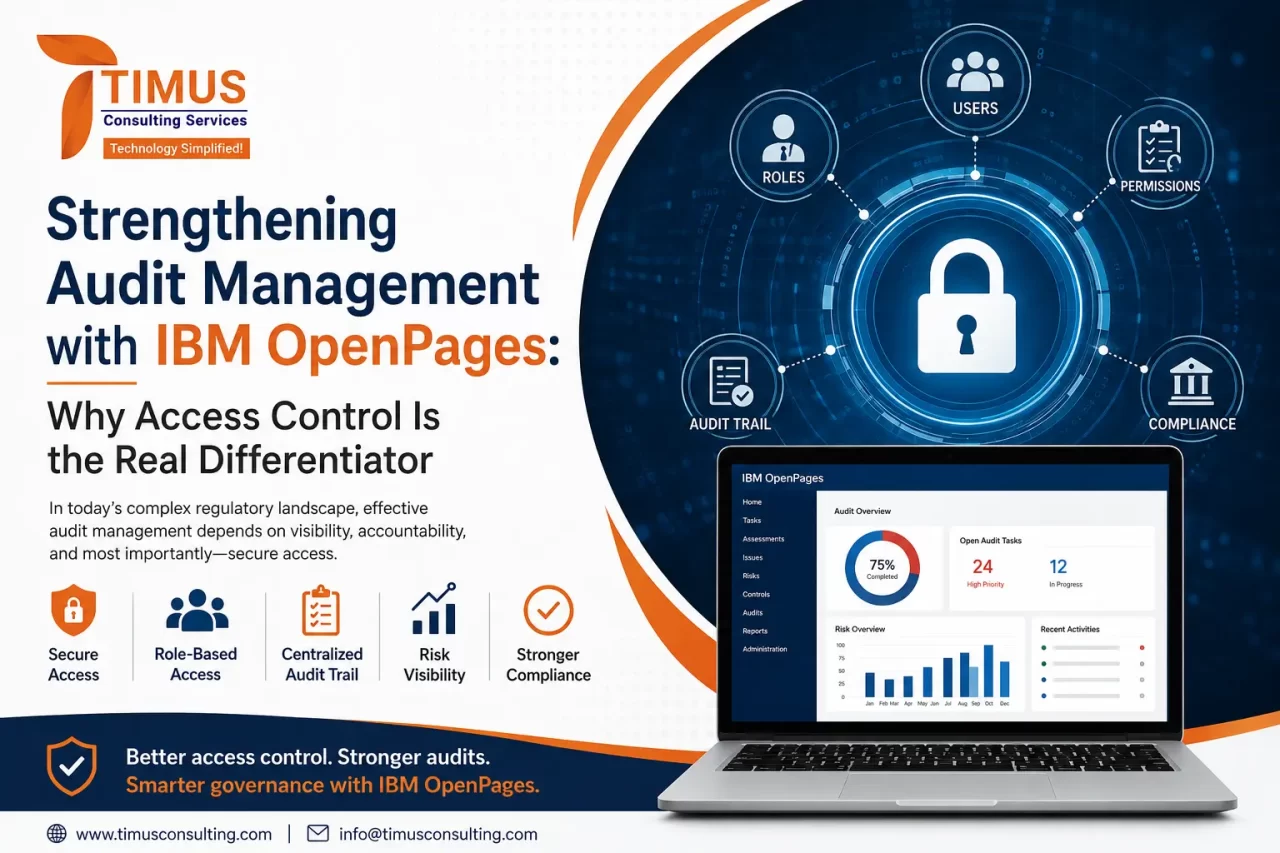
Rather than a single, blunt “admin vs. user” toggle, OpenPages layers together five distinct mechanisms that, combined, let administrators define exactly what each person can see, edit, and do — down to the individual record and field.
Profiles: Controlling What Users See in the Interface
A profile determines which object types, fields, and views a given user or group interacts with in the OpenPages UI. Rather than exposing the full data model to everyone, administrators can build a “Fieldwork Auditor” profile that surfaces only the working papers, testing steps, and evidence fields relevant to fieldwork, while a “Chief Audit Executive” profile might expose portfolio-level dashboards and issue-escalation fields. Every profile can be configured with its own navigational views, association views, and object views, and fields can be marked required, optional, or excluded entirely for that profile. This means a first-year staff auditor and an audit committee member can log into the same system and see two very different, purpose-built interfaces.
Role Templates: Defining What Actions Are Allowed
Where profiles control what’s visible, role templates control what can be done with it. A role template is an access control list that defines Read, Write, Delete, and Associate (RWDA) privileges for each object type, independent of any specific user, group, or context. An organization might define a “Read-Only Reviewer” role template that only grants Read, a “Field Auditor” template with Read/Write on workpapers but no Delete rights, and an “Audit Administrator” template with full RWDA across the board. Because role templates aren’t bound to a specific user or context, the same template can be reused and applied consistently across dozens of teams or business units — critical for organizations trying to standardize governance as they scale.
User Groups: Applying Permissions at Scale
User groups are where individual accounts get organized for administration. Rather than assigning a role template and profile to each auditor one at a time, administrators associate a role template with a group (say, “Internal Audit – EMEA Fieldwork”) and every user added to that group inherits the corresponding access. This is the mechanism that lets a security model scale gracefully: new hires get provisioned in minutes by adding them to the right group(s), and access reviews become a matter of auditing group membership rather than hundreds of individual configurations.
Security Rules: Restricting Access at the Record Level
This is where OpenPages goes well beyond typical role-based access control. Security rules enforce record-level security — controlling access to individual object instances based on conditional logic, not just role. A security rule combines a formula (the condition) with a set of access controls (the permissions granted if that condition is true). For example, a rule might state: if an issue’s severity is “Critical” and the issue owner is not the current user’s manager, restrict access to Read-only. Or: auditors can only see workpapers for entities within their assigned business unit. Security rules layer on top of role-based security rather than replacing it, and they apply consistently across reporting, workflows, and every available view — so there’s no back door through a report or dashboard that bypasses the restriction. OpenPages also supports field-level security, which can redact individual sensitive fields (like an executive’s name tied to a finding) even for users who otherwise have access to the record.
View Rules: Tailoring the Experience Without Compromising Security
Finally, views — including Filtered List views, Grid views, and Admin views — let administrators control not just access, but presentation: which fields appear, in what order, and in what format, for a given profile and object type. A Filtered List view might be configured so that fieldwork staff only ever see open items assigned to them, while a Folder view gives a director a rolled-up look across an entire audit engagement. Combined with security rules underneath, this ensures the interface itself reinforces the permission model rather than fighting against it.
Together, these five layers — profiles, role templates, user groups, security rules, and views — let an audit function implement genuinely strict, need-to-know access control: a contractor sees only the engagement they’re assigned to; a regional audit lead sees their region but not others; the audit committee sees rolled-up findings without exposure to raw workpapers; and every one of these boundaries holds up not just in the main interface, but in reports, workflows, and exports too.
Why the Right Implementation Partner Matters
Getting this much configurability right requires real expertise — a poorly designed security model can either lock legitimate users out of work they need to do, or, worse, leave sensitive data exposed. This is where a specialized partner like Timus Consulting adds real value. Timus is a premium GRC consulting firm with a dedicated OpenPages practice, built on more than 15 years of combined experience implementing GRC platforms for financial institutions and other regulated enterprises. Their teams focus specifically on OpenPages configuration, customization, and third-party integration — including designing role templates, security rules, and profile structures that map cleanly to an organization’s actual reporting lines and confidentiality requirements, not just a generic out-of-the-box template. As an IBM implementation partner, Timus also brings ongoing advisory and support, helping audit functions stay current as OpenPages itself evolves — including recent AI-powered automation and analytics capabilities — without losing the tight access discipline they built the system on in the first place.
Final Thoughts
The challenges of audit management of fragmented data, inconsistent methodology, weak traceability, slow reporting, are largely solvable with the right centralized platform. But the challenge that separates a good GRC deployment from a great one is access control: the ability to give hundreds or thousands of users exactly the visibility and permissions they need, no more and no less, in a way that holds up under regulatory scrutiny. IBM OpenPages’ combination of profiles, role templates, user groups, security rules, and views gives audit and risk leaders a genuinely enterprise-grade toolkit for solving that problem.