

Introduction
Email marketing remains one of the most effective ways for businesses to connect with customers, promote products, share updates, and build long-term relationships. Whether you are announcing a new product, sending a monthly newsletter, or running a seasonal promotion, email continues to deliver one of the highest returns on investment (ROI) among digital marketing channels.
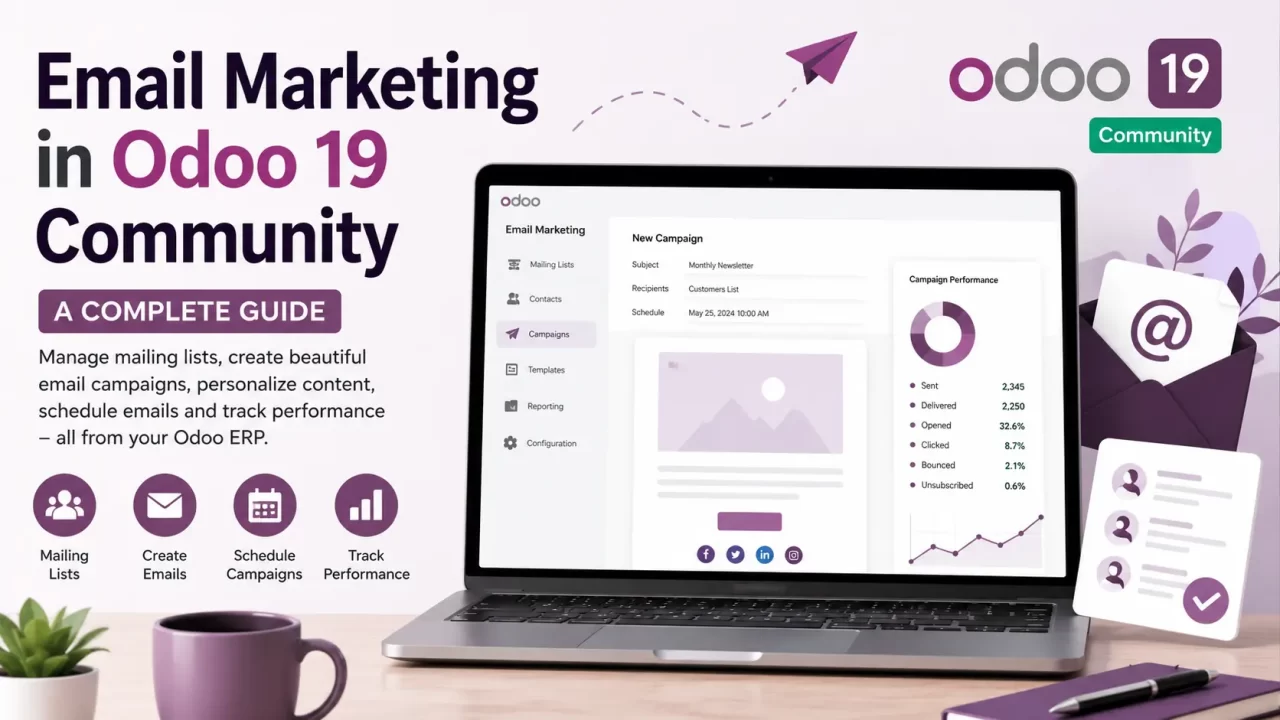
With Odoo 19 Community, businesses can manage their email marketing directly within their ERP system. Instead of maintaining separate customer databases across multiple platforms, Odoo centralizes your contacts, allowing you to create and send professional email campaigns using the same data that powers your CRM, Sales, Website, and other business applications.
In this blog, we will explore the features, benefits, and workflow of Email Marketing in Odoo 19 Community and how it can help businesses engage customers more effectively.
What Is Email Marketing?
Email marketing is the practice of sending targeted emails to customers and prospects for various business purposes, including:
- Promoting products or services
- Sharing company news and announcements
- Sending newsletters
- Inviting customers to events
- Collecting customer feedback
- Building customer loyalty
- Encouraging repeat purchases
Unlike social media posts that may only reach a portion of your audience, email allows businesses to communicate directly with subscribers who have expressed interest in receiving updates.
Why Use Email Marketing in Odoo 19 Community?
Managing customer communications becomes much easier when your email marketing platform is integrated with your business management system.
With Odoo 19 Community, you can:
- Manage contacts and mailing lists from one platform
- Design professional emails without coding
- Schedule campaigns for future delivery
- Personalize emails for individual recipients
- Track campaign performance
- Reuse templates for recurring campaigns
- Maintain customer engagement efficiently
Because customer information already exists within Odoo, there is no need to manually synchronize contact lists between multiple applications.
Key Features of Email Marketing in Odoo 19 Community
1. Mailing List Management
Odoo allows you to organize contacts into dedicated mailing lists based on your business requirements.
For example, you can create separate lists for:
- Customers
- Prospective leads
- Newsletter subscribers
- Business partners
- Vendors
- Employees
Well-organized mailing lists make it easier to send relevant content to the right audience while reducing unnecessary emails.
2. Contact Management
You can import contacts from CSV or Excel files or add them manually within Odoo.
Each contact record can store information such as:
- Name
- Email address
- Phone number
- Company
- Job position
- Country
- Notes
- Tags
Having centralized contact information simplifies campaign management and helps maintain an organized customer database.
3. Professional Drag-and-Drop Email Builder
One of the standout features of Odoo 19 Community is its intuitive email editor.
Without writing HTML or CSS, users can create visually appealing emails by dragging and dropping content blocks such as:
- Headings
- Text sections
- Images
- Buttons
- Dividers
- Multiple columns
- Social media links
- Banners
This enables marketing teams to create professional-looking newsletters quickly and consistently.
4. Responsive Email Templates
Modern customers access emails from desktops, tablets, and smartphones.
Odoo’s responsive email templates automatically adapt to different screen sizes, ensuring your campaigns remain visually appealing and easy to read regardless of the device being used.
5. Email Personalization
Personalized emails typically receive higher engagement than generic messages.
Odoo allows you to personalize email content using recipient information stored in the system.
For example, emails can greet customers by name or reference company details, making communications feel more personal and relevant.
6. Campaign Scheduling
Instead of sending emails immediately, Odoo enables you to schedule campaigns in advance.
This allows marketing teams to prepare campaigns ahead of time and deliver them when customer engagement is likely to be highest.
Scheduling is particularly useful for:
- Product launches
- Holiday promotions
- Monthly newsletters
- Event invitations
- Seasonal offers
7. Reusable Email Templates
Many businesses send similar emails repeatedly.
Rather than designing every campaign from scratch, Odoo lets users create reusable templates for:
- Welcome emails
- Monthly newsletters
- Promotional offers
- Product announcements
- Event invitations
- Customer feedback requests
Using templates saves time while maintaining consistent branding across all communications.
8. Campaign Performance Tracking
After sending a campaign, Odoo provides valuable insights into its performance.
Key metrics include:
- Emails sent
- Successfully delivered emails
- Open rate
- Click rate
- Bounce rate
- Unsubscribed contacts
These analytics help businesses understand how recipients interact with their emails and identify opportunities for improvement.
9. Link Tracking
If your email contains links to your website, product pages, or promotional offers, Odoo tracks customer interactions.
This allows businesses to determine:
- Which links receive the most clicks
- Which campaigns generate the highest engagement
- Which content attracts the most customer interest
Such insights help optimize future campaigns.
10. Bounce and Unsubscribe Management
Maintaining a healthy mailing list is essential for successful email marketing.
Odoo automatically manages:
- Invalid email addresses
- Hard and soft bounces
- Customer unsubscribe requests
This helps improve sender reputation and ensures future campaigns reach active subscribers.
Typical Email Marketing Workflow in Odoo 19 Community
A typical campaign in Odoo 19 Community follows these steps:
- Create or update your mailing list.
- Design your email using the drag-and-drop editor.
- Personalize the content with recipient information.
- Preview the email to verify formatting.
- Schedule or send the campaign.
- Monitor campaign performance using analytics.
- Use the insights to improve future campaigns.
This streamlined workflow enables businesses to execute professional email campaigns with minimal effort.
Benefits of Using Email Marketing in Odoo 19 Community
Implementing email marketing within Odoo offers several advantages:
- Centralized customer and contact management
- Easy-to-use visual email designer
- Responsive templates for all devices
- Personalized communication
- Scheduled campaign delivery
- Detailed campaign reporting
- Improved customer engagement
- Better brand consistency
- Reduced dependence on external marketing tools
- Seamless integration with other Odoo Community applications
These benefits make Odoo an excellent choice for small and medium-sized businesses seeking an affordable and efficient email marketing solution.
Best Practices for Successful Email Campaigns
To maximize campaign effectiveness, consider the following best practices:
Keep Your Mailing Lists Organized
Regularly review and update your contact lists. Remove invalid or inactive email addresses to maintain list quality.
Personalize Your Emails
Use available customer information to make emails more relevant. Personalized content can help improve engagement and create stronger customer relationships.
Write Clear and Engaging Subject Lines
Your subject line is one of the first things recipients see. Keep it clear, relevant, and engaging to encourage recipients to open your email.
Use High-Quality Images and Concise Content
Avoid overwhelming recipients with excessive text. Use high-quality visuals and concise messaging to communicate your main message effectively.
Include a Strong Call-to-Action
Every marketing email should have a clear purpose. Include a strong call-to-action, such as:
- Learn More
- Shop Now
- Register Today
- Download Now
- Contact Us
Ensure Emails Are Mobile-Friendly
Many users read emails on mobile devices. Always ensure your emails are responsive and easy to read on smaller screens.
Test Your Email Before Sending
Preview and test your email before sending it to your complete mailing list. Check the layout, links, images, and formatting.
Monitor Campaign Reports
Review campaign analytics after sending emails. Use performance data to understand what works and improve future campaigns.
Consistently applying these practices can improve open rates, click-through rates, and customer engagement.
Is Odoo 19 Community Right for Your Business?
Odoo 19 Community is well suited for businesses that need a simple yet effective email marketing solution without investing in multiple standalone tools.
It is particularly beneficial for:
- Startups
- Small and medium-sized businesses (SMBs)
- Educational institutions
- Non-profit organizations
- Retail businesses
- Service providers
- Manufacturing companies
- Wholesale distributors
By integrating email marketing into the ERP, businesses can communicate with customers more efficiently while maintaining a single source of truth for customer data.
Conclusion
Email Marketing in Odoo 19 Community provides businesses with the essential tools needed to create, manage, and monitor professional email campaigns from within their ERP system.
From organizing mailing lists and designing responsive newsletters to scheduling campaigns and analyzing performance, Odoo simplifies the entire email marketing process.
For businesses looking for an integrated, cost-effective, and user-friendly marketing solution, Odoo 19 Community offers a strong foundation for building customer relationships and increasing engagement.
By leveraging centralized customer data and intuitive campaign management tools, organizations can deliver relevant communications, strengthen their brand presence, and support long-term business growth—all without leaving the Odoo ecosystem.