

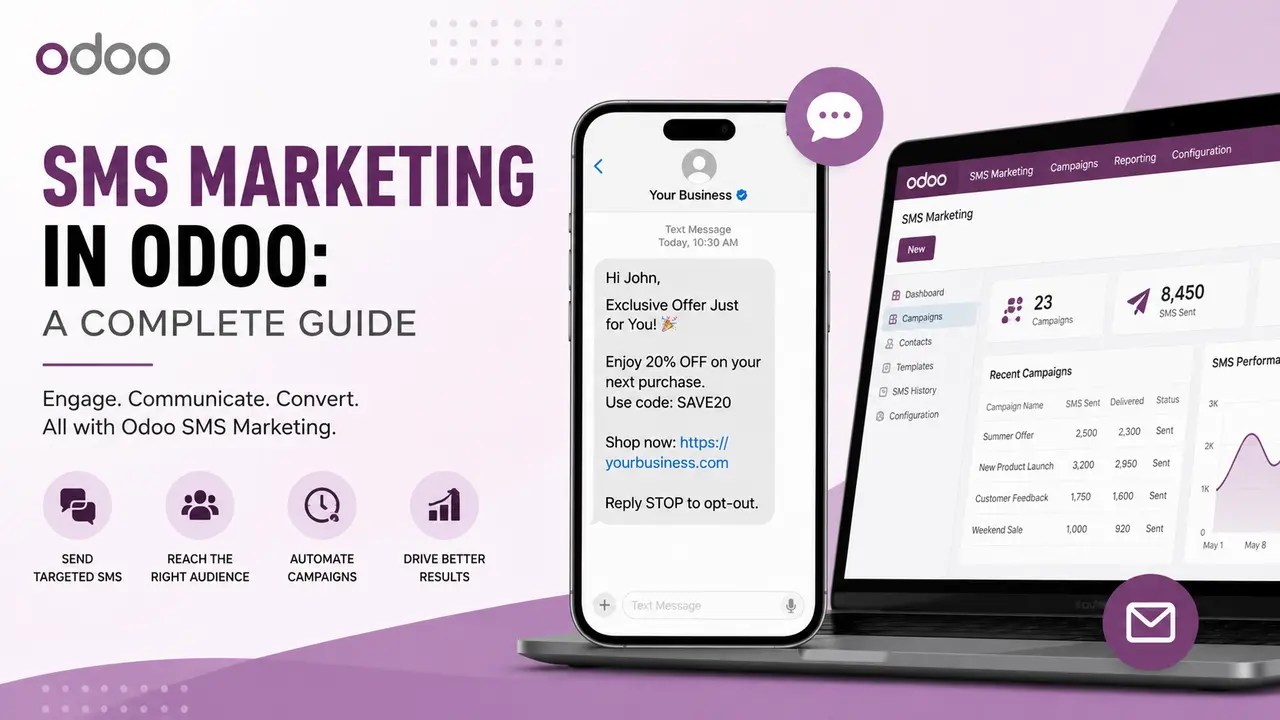
In today’s fast-paced digital world, businesses need a reliable way to communicate with customers quickly and effectively. While email marketing remains an important communication channel, SMS Marketing in Odoo offers one of the fastest ways to reach customers directly on their mobile phones.
With SMS Marketing in Odoo, businesses can create targeted campaigns, manage customer contact lists, send promotional messages, and automate customer communication—all from a centralized business management platform.
Whether you are running an eCommerce business, service company, educational organization, or enterprise, Odoo SMS Marketing can help improve customer engagement and simplify marketing operations.
What is SMS Marketing in Odoo?
Odoo SMS Marketing is a solution that allows businesses to send SMS messages to customers, leads, partners, and mailing lists directly from Odoo.
Instead of managing customer information in one system and SMS campaigns in another, businesses can connect their marketing activities with their CRM, Sales, Website, Contacts, and other Odoo applications.
Using SMS marketing, businesses can send:
- Promotional offers
- Product announcements
- Event invitations
- Appointment reminders
- Order updates
- Payment reminders
- Service notifications
- Customer follow-ups
- Special discounts
- Seasonal greetings
This centralized approach helps businesses manage their communication more efficiently while maintaining customer data in one place.
Why Use SMS Marketing?
SMS is one of the most direct communication channels available to businesses. Customers usually receive SMS notifications within seconds, making SMS an excellent option for time-sensitive communication.
Some key benefits include:
1. Fast Communication
SMS messages are delivered quickly, making them ideal for urgent announcements, reminders, and notifications.
For example, a business can send:”Your appointment is scheduled for tomorrow at 10:00 AM.”
Customers can receive important information without needing to open an email.
2. High Customer Engagement
SMS messages are generally noticed quickly because they appear directly on a customer’s mobile device.
Businesses can use SMS campaigns to communicate special offers, discounts, new product launches, and important updates.
3. Targeted Marketing
Odoo allows businesses to organize contacts and customer information, making it easier to target specific audiences.
For example, a company can create campaigns for:
- New customers
- Existing customers
- High-value customers
- Leads
- Customers from a specific location
- Customers interested in a specific product
- Inactive customers
Targeted campaigns can help businesses send more relevant messages to the right audience.
4. Centralized Customer Data
One of the biggest advantages of using SMS marketing with Odoo is centralized customer information.
Customer details can be connected with different Odoo applications such as:
- CRM
- Sales
- Contacts
- Website
- eCommerce
- Helpdesk
- Marketing Automation
This gives businesses a better understanding of customer interactions and helps create more personalized campaigns.
Key Features of SMS Marketing in Odoo
A well-designed SMS Marketing solution can provide several useful features for businesses.
1. SMS Campaign Management
Businesses can create and manage multiple SMS campaigns from a single interface.
Each campaign can contain information such as:
- Campaign name
- SMS message
- Target audience
- Mailing list
- Sender information
- Scheduled date
- Campaign status
- Delivery status
This makes it easier for marketing teams to plan and monitor their communication activities.
2. Mailing Lists
Mailing lists allow businesses to group customers based on specific requirements.
For example:
VIP Customers
New Leads
Existing Customers
Product Subscribers
Event Participants
Inactive Customers
Businesses can then send specific SMS campaigns to the appropriate mailing list.
This avoids sending the same message to every customer and helps improve campaign relevance.
3. Contact Management
SMS marketing can be connected with customer and contact records.
For example, a contact can contain:
- Name
- Mobile Number
- Company
- Customer Type
- Subscription Status
The SMS campaign can use this information to send personalized messages.
4. Personalized SMS Messages
Personalization can improve customer engagement.
For example, instead of sending:
“Dear Customer, your order is ready.”
A personalized message could be:”Hello John, your order #12345 is ready for delivery.”
Dynamic placeholders can be used to personalize messages with information such as:
- Customer name
- Order number
- Invoice number
- Company name
- Appointment date
- Promotional code
5. Scheduled SMS Campaigns
Businesses can schedule campaigns for a future date and time.
For example:
- Schedule a weekend offer on Friday
- Send appointment reminders one day before
- Schedule festival greetings
- Send promotional campaigns during business hours
Scheduling helps marketing teams plan their communication in advance.
6. SMS Queue Management
For businesses sending large numbers of messages, queue management is an important feature.
Instead of sending thousands of messages simultaneously, messages can be added to a queue and processed in batches.
A typical queue may have statuses such as:
- Draft
- Queued
- Processing
- Sent
- Failed
- Cancelled
A scheduled Odoo cron job can process pending SMS messages automatically.
This approach improves performance and prevents the system from becoming overloaded during bulk campaigns.
7. Delivery Status Tracking
Businesses can monitor SMS delivery results.
Depending on the SMS provider, messages may have statuses such as:
- Sent
- Delivered
- Failed
- Rejected
This information helps businesses identify delivery issues and measure campaign performance.
8. Multiple SMS Gateway Support
Businesses may want to use different SMS providers depending on their region, pricing, or availability.
An Odoo SMS marketing solution can be designed to support multiple gateways, such as:
- MSG91
- Twilio
- ClickSend
- Plivo
- Other custom SMS providers
A gateway selection field can allow users to select which provider should be used for a specific campaign.
This provides flexibility and reduces dependency on a single SMS provider.
How SMS Marketing Works in Odoo
A typical SMS marketing workflow can be divided into several steps.
Step 1: Create or Import Contacts
Businesses first create customer records in Odoo or import contacts using CSV or Excel files.
The contact records should contain valid mobile numbers.
Step 2: Create a Mailing List
Contacts can be organized into mailing lists based on business requirements.
For example:
Summer Promotion Customers
New Leads
Existing Customers
Step 3: Create an SMS Campaign
The marketing user creates a new campaign and selects the required mailing list.
The campaign can include:
- Campaign Name
- Message Content
- Mailing List
- SMS Gateway
- Scheduled Date
Step 4: Generate SMS Queue
When the campaign is confirmed, Odoo can generate individual SMS queue records for each recipient.
Step 5: Process the Queue
An automated Odoo cron job processes the queued messages.
The system sends each message through the selected SMS gateway.
Step 6: Track Results
After sending, the system updates the message status.
For example:
Sent: Message successfully submitted to the gateway.
Delivered: Message successfully delivered to the recipient.
Failed: Gateway returned an error.
Marketing teams can then review campaign performance.
Advantages of Integrating SMS Marketing with Odoo
Integrating SMS marketing with Odoo provides several benefits.
Centralized Management
Customer data, campaigns, and communication can be managed from a single platform.
Reduced Manual Work
Automated campaigns and queue processing reduce repetitive tasks.
Better Customer Engagement
Businesses can communicate with customers through a fast and direct channel.
Improved Targeting
Mailing lists and customer segmentation help businesses target specific audiences.
Scalable Communication
Queue-based processing makes it easier to manage large-volume SMS campaigns.
Flexible Gateway Integration
Businesses can connect multiple SMS providers according to their requirements.
Better Tracking
Campaign and delivery status provide useful insights into communication performance
Conclusion
SMS Marketing in Odoo provides businesses with an effective way to communicate with customers while keeping marketing activities connected to their existing business operations.
By combining campaign management, mailing lists, contact segmentation, SMS queues, automated scheduling, multiple gateways, and delivery tracking, businesses can create a scalable SMS communication system.
Whether you want to send promotional campaigns, appointment reminders, transactional notifications, or automated customer follow-ups, integrating SMS marketing with Odoo can help streamline communication and improve customer engagement.
With the right SMS strategy and Odoo automation, businesses can deliver the right message to the right customer at the right time.